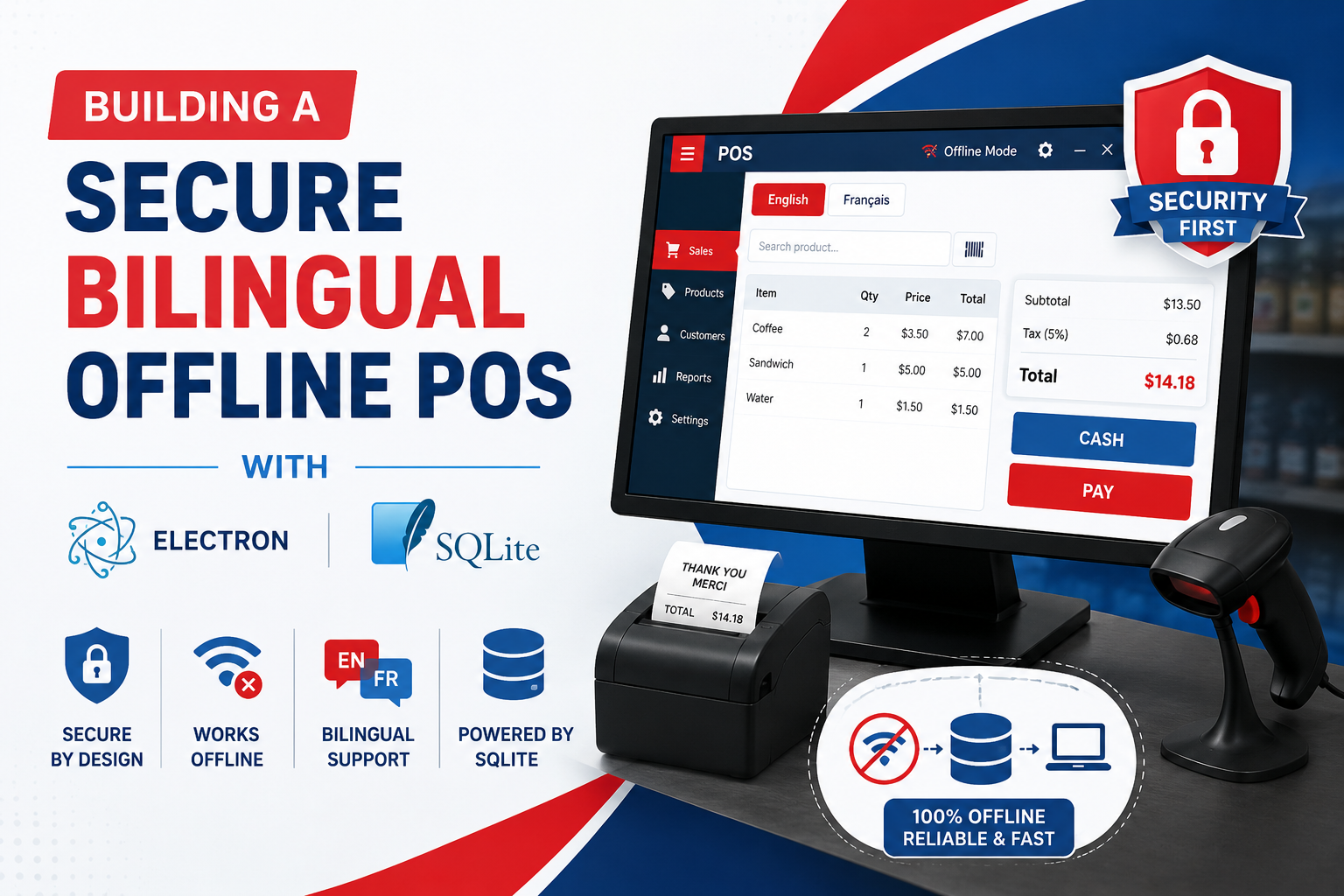
Modern businesses need point-of-sale systems that are fast, reliable, secure, and easy to use. While cloud-based POS platforms are popular, they are not always ideal for businesses that operate with unreliable internet connections or need to keep their transaction data locally.
An offline POS system built with Electron and SQLite can provide a practical solution. Electron allows developers to create cross-platform desktop applications using familiar web technologies, while SQLite provides a lightweight local database that can operate without an internet connection.
Adding bilingual support makes the system even more useful for businesses serving employees and customers who use different languages.
In this guide, we explore how to build a secure bilingual offline POS with Electron and SQLite, including architecture, database design, security, inventory management, transactions, multilingual interfaces, and data backup.
What Is an Offline POS System?
A Point-of-Sale (POS) system is software used to process sales and manage business operations such as
- Product management
- Inventory tracking
- Sales transactions
- Receipts
- Customer records
- Employee accounts
- Discounts
- Taxes
- Daily reports
- Business analytics
An offline POS system performs these operations locally without requiring a continuous internet connection.
Instead of sending every transaction to a remote server, the application stores important information in a local database such as SQLite.
This approach can be particularly useful for:
- Small retail stores
- Grocery shops
- Pharmacies
- Restaurants
- Cafés
- Clothing stores
- Small wholesalers
- Mobile businesses
- Businesses operating in areas with unreliable internet
Why Use an Electron for a POS System?
Electron is a framework for building desktop applications using technologies such as HTML, CSS, and JavaScript.
For developers already familiar with web development, Electron can significantly simplify desktop application development.
A typical Electron application contains:
POS Application
│
├── Electron Main Process
│
├── Renderer/UI
│
├── Preload Layer
│
├── Database Layer
│
└── SQLite Database
Electron also makes it possible to build applications for multiple desktop operating systems from a shared codebase.
This can reduce development complexity when a business needs the same POS application on different computers.
Why SQLite Is a Good Choice for an Offline POS?
SQLite is an embedded relational database that stores data directly in a database file.
Unlike traditional database systems, it does not require a separate database server for a basic single-device application.
For an offline POS, this provides several advantages:
1. Works Without Internet
Sales can continue even when the internet connection is unavailable.
2. Lightweight
SQLite has a small footprint and is suitable for desktop applications.
3. Relational Database Structure
Products, orders, customers, payments, and inventory can be represented using structured tables and relationships.
4. Transaction Support
Database transactions help ensure that multiple related operations are completed consistently.
5. Easy Local Storage
The database can be stored locally alongside the desktop application data.
Recommended POS Architecture
A secure Electron POS should avoid allowing the user interface to directly access sensitive operating-system or database functionality.
A simplified architecture can look like this:
┌─────────────────────────────┐
│       POS User Interface    │
│       HTML / CSS / JS       │
└──────────────┬──────────────┘
               │
               ▼
┌─────────────────────────────┐
│       Preload / IPC Layer   │
└──────────────┬──────────────┘
               │
               ▼
┌─────────────────────────────┐
│      Electron Main Process  │
│       Business Logic        │
└──────────────┬──────────────┘
               │
               ▼
┌─────────────────────────────┐
│        SQLite Database      │
│ Products | Sales | Users    │
└─────────────────────────────┘
This separation helps reduce unnecessary exposure of sensitive application capabilities to the renderer process.
Designing the SQLite Database
A POS database should be designed around the actual business workflow.
A basic database might contain tables such as
users
products
categories
customers
sales
sale_items
payments
inventory
settings
For example, a products table could contain:
| Field | Purpose |
|---|---|
| id | Unique product ID |
| name | Product name |
| SKU | Stock keeping unit |
| category_id | Product category |
| price | Selling price |
| cost | Purchase cost |
| stock_quantity | Current inventory |
| created_at | Creation date |
The sales table can store transaction-level information while storing the individual products included in each transaction.
This separation allows one sale to contain multiple products.
Use Database Transactions for Sales
One of the most important aspects of POS development is maintaining data consistency.
Imagine a customer purchases three products.
The system may need to:
- Create a sale.
- Add the purchased products
- Record payment.
- Reduce inventory
- Generate a receipt.
These operations should be handled carefully.
A database transaction can ensure that related operations succeed together.
Conceptually:
BEGIN TRANSACTION;

INSERT INTO sales (...);

INSERT INTO sale_items (...);

UPDATE inventory
SET stock_quantity = stock_quantity - ?
WHERE product_id = ?;

INSERT INTO payments (...);

COMMIT;
If a critical operation fails, the application can roll back the transaction rather than leaving the database in an inconsistent state.
Building a Bilingual POS Interface
Bilingual support should be considered during the initial design rather than added after the application is complete.
For example, a POS system could support:
English
Add Product
Checkout
Total
Payment
Print Receipt
and a second language such as
Add Product → دوسری زبان کا ترجمہ
Checkout → دوسری زبان کا ترجمہ
Total → دوسری زبان کا ترجمہ
Instead of hardcoding text throughout the application, create a centralized translation system.
For example:
const translations = {
  en: {
    checkout: "Checkout",
    total: "Total",
    payment: "Payment"
  },

  ur: {
    checkout: "چیک آؤٹ",
    total: "کل",
    payment: "ادائیگی"
  }
};
The interface can then switch languages without changing the underlying business logic.
Supporting Right-to-Left Languages
If one of the supported languages uses a right-to-left (RTL) writing system, such as Urdu or Arabic, the interface should support RTL layouts.
CSS can handle this with:
[dir="rtl"] {
    direction: rtl;
    text-align: right;
}
However, a complete bilingual POS requires more than simply changing text direction.
Developers should consider:
- Button placement
- Navigation
- Tables
- Forms
- Product search
- Numeric fields
- Receipt layouts
- Date and number formatting
- Keyboard navigation
A well-designed language switcher should allow employees to change languages quickly without restarting the application.
Securing an Electron POS Application
Security is particularly important for POS software because the application can handle sensitive business information.
The Electron application should follow security-focused architecture principles.
Important considerations include:
Keep Node.js Access Restricted
The renderer should not have unnecessary direct access to Node.js APIs.
Use a controlled preload layer and expose only the functions required by the user interface.
Validate IPC Requests
Data received through inter-process communication should be validated before it reaches database operations.
For example, do not assume that a product ID or price received from the UI is trustworthy.
Use Parameterized SQL Queries
Avoid constructing SQL queries by directly concatenating user input.
Instead of:
`SELECT * FROM products WHERE id = ${id}`
Use parameterized queries supported by your database library.
Protect User Accounts
If your POS includes employee accounts, passwords should not be stored as plain text.
Use a strong password hashing strategy and implement appropriate authentication controls.
Inventory Management
Inventory management is one of the most valuable features of a POS system.
When a sale is completed, inventory should automatically update.
For example:
Initial Stock: 25

Customer buys: 3

Remaining Stock: 22
The system can also provide alerts when stock reaches a predefined threshold.
For example:
Product: USB Cable
Current Stock: 4
Minimum Stock: 5

Status: Low Stock
This allows store employees to identify products that need to be reordered.
Offline-First Design
The main advantage of an offline POS is that business operations should continue when the internet disappears.
The application should therefore treat the local database as the primary source of operational data.
Instead of:
POS → Internet → Server → Database
An offline-first architecture can work as
POS → Local SQLite Database
If cloud synchronization is added later, the architecture can become:
                 ┌── Cloud Database
                 │
POS → SQLite ─── Sync Engine
                 │
                 └── Local Operations
This makes it possible for the POS to continue processing transactions even when connectivity is temporarily unavailable.
Backup Strategy for SQLite
Offline storage also introduces an important responsibility: data backup.
If the computer fails or the database becomes corrupted, locally stored sales information could be lost.
A robust POS should consider:
- Automatic database backups
- Scheduled backup intervals
- Manual backup/export
- Backup verification
- Multiple backup locations
- Secure backup storage
- Database recovery procedures
For example:
POS Database
     │
     ├── Local Backup
     │
     ├── External Backup
     │
     └── Optional Cloud Backup
The exact backup strategy should depend on the business's data volume and operational requirements.
Receipt Generation
A POS should make receipt generation simple and reliable.
A receipt can contain:
--------------------------------
        STORE NAME
--------------------------------
Product          Qty     Price

Product A         2      $10
Product B         1      $15

--------------------------------
Subtotal                 $35
Tax                       $3
Total                    $38
--------------------------------

Thank you for your purchase!
For a bilingual POS, receipts can also support the selected language.
Developers should test receipt formatting with the actual printer hardware because thermal printers may have different paper widths and character-rendering capabilities.
User Roles and Permissions
A business may have different types of users.
For example:
Administrator
      │
      ├── Manage Users
      ├── Manage Products
      ├── View Reports
      └── Configure POS

Cashier
      │
      ├── Create Sales
      ├── Search Products
      └── Print Receipts
Role-based access control can prevent ordinary employees from changing sensitive settings or modifying historical transactions.
Useful POS Features to Consider
Once the core POS is working, additional functionality can be added.
Core Features
-
Product management
-
Barcode scanning
-
Shopping cart
-
Checkout
-
Receipt printing
-
Inventory tracking
-
Customer management
-
Discounts
-
Taxes
-
Sales history
Advanced Features
-
Employee accounts
-
Role-based permissions
-
Sales analytics
-
Low-stock alerts
-
Expense tracking
-
Supplier management
-
Returns and refunds
-
Database backup
-
Import/export
-
Optional cloud synchronization
The best approach is to build the essential offline workflow first and introduce advanced functionality incrementally.
Testing an Offline POS
A POS should be tested under realistic business conditions.
Important scenarios include:
Connectivity Testing
-
Internet available
-
Internet unavailable
-
Internet disconnected during a transaction
Database Testing
-
Empty database
-
Large product catalog
-
Duplicate products
-
Invalid data
-
Database backup and restoration
Transaction Testing
-
Successful sale
-
Failed payment
-
Cancelled transaction
-
Refund
-
Multiple products
-
Out-of-stock product
Language Testing
-
English interface
-
RTL interface
-
Long translated text
-
Receipt translations
-
Switching languages during use
Testing these scenarios before deployment can help identify problems that may not appear during normal development.
Electron + SQLite Tech Stack
A practical technology stack for this type of application could look like
| Component | Technology |
|---|---|
| Desktop Framework | Electron |
| Frontend | HTML, CSS, JavaScript |
| UI Framework | React or another suitable framework |
| Database | SQLite |
| Communication | Electron IPC |
| Styling | CSS / Tailwind CSS |
| Authentication | Local secure authentication |
| Packaging | Electron Builder or equivalent |
| Optional Sync | REST API / cloud backend |
The exact stack can be adapted depending on the project's requirements and developer expertise.
Benefits of an Offline Bilingual POS
A well-designed offline POS can provide several practical benefits:
- Reliability: Sales can continue without constant internet access.
- Speed: Local database operations can provide responsive interactions.
- Privacy: Business data can remain on the local device when cloud storage is not required.
- Bilingual usability: Employees can operate the system in their preferred supported language.
- Lower infrastructure requirements: A basic single-device POS does not necessarily require a dedicated database server.
- Scalability: Additional functionality such as synchronization, reporting, and multi-device support can be introduced as the business grows.
Final Thoughts
Building a secure bilingual offline POS with Electron and SQLite combines desktop application development, database engineering, security, localization, and business logic.
Electron provides the foundation for a cross-platform desktop application, while SQLite offers a practical local database for offline transactions. A carefully designed IPC architecture, parameterized database queries, secure authentication, transaction handling, and regular backups can help create a more reliable POS solution.
For businesses that need both offline reliability and multilingual usability, this architecture provides a strong foundation for developing a modern desktop point-of-sale application.
The key is to design the system around real business workflows: fast checkout, accurate inventory, secure data, reliable backups, and a simple bilingual interface.